Eleven Realtime Translation
Translate live speech into spoken audio in more than 90 languages through an enterprise WebSocket API.
Build multilingual conversational voice agents with managed speech-to-speech models through ElevenAgents or a WebSocket API.
Visit website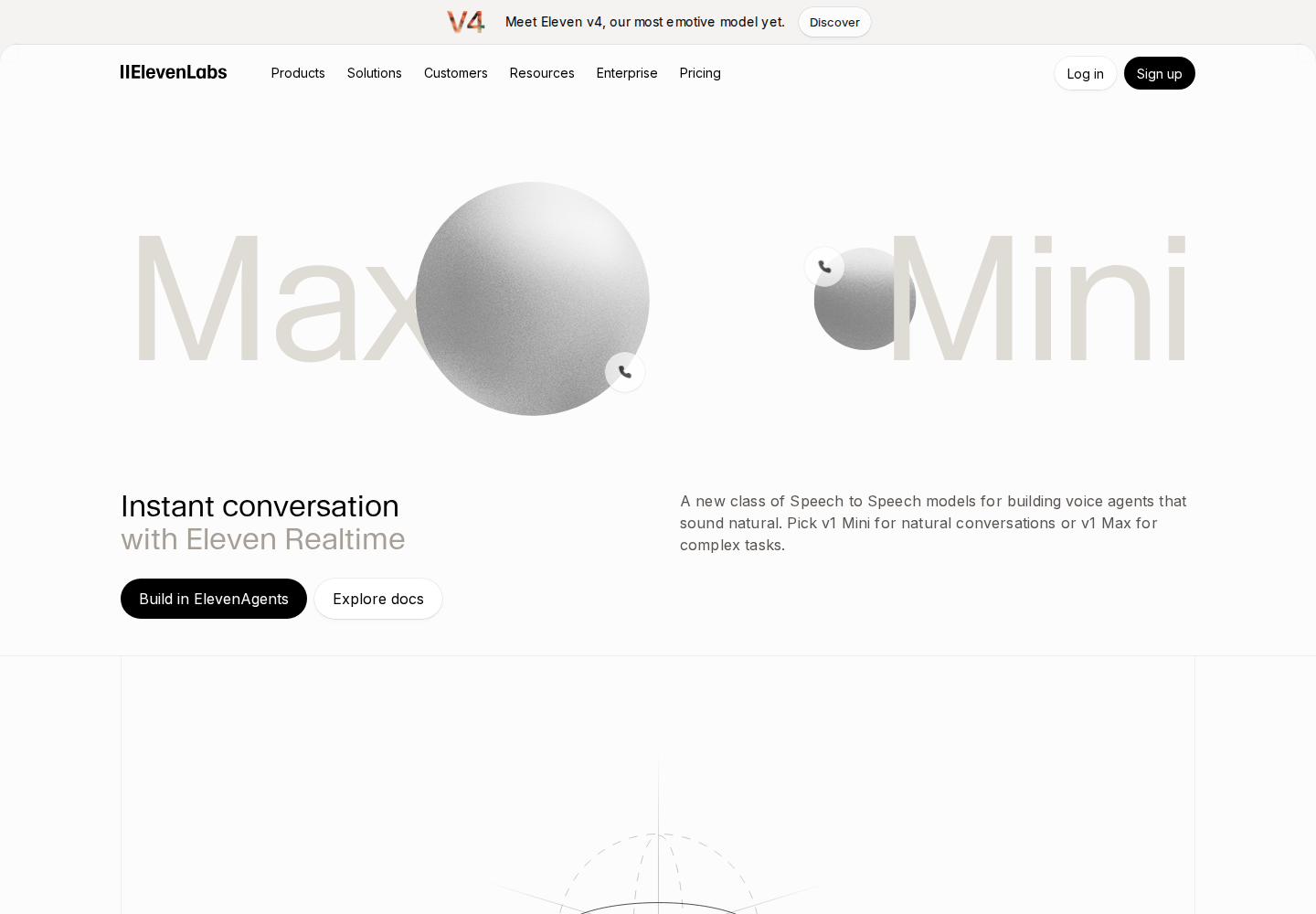
Eleven Realtime provides v1 Mini and v1 Max models for conversational voice agents in more than 90 languages. Speech recognition, turn-taking, language processing and voice generation are tuned together behind a single model selection.
Teams can build through ElevenAgents or integrate the separate Realtime API. Mini targets assistants, tutors and interactive characters; Max is designed for complex business interactions and tool-based workflows.
Choose Mini for price and speed, or Max for complex instructions and multi-step tool use.
Realtime mode manages underlying language, speech synthesis and recognition settings while retaining agent prompts, voices, tools, knowledge bases and turn controls.
The Realtime API uses an OpenAI-compatible client and server event protocol. Its documented browser flow uses a backend-created, short-lived client secret.
Use ElevenAgents for phone, web widget, WhatsApp and contact-center deployments. These platform features are separate from the direct Realtime API.
Education developers could build voice tutors for spoken practice and follow-up questions.
Support teams could use Max for conversations that require several tool calls or complex instructions.
Experience designers could use Mini for conversational characters and lightweight assistants.
ElevenAgents charges standard call-minute fees plus model token usage; its platform also offers a free entry plan. Direct Realtime API usage is billed for connected audio minutes plus tokens. Workspace rollout restrictions still apply.
Check current pricing ↗Realtime mode manages those components. Use Custom mode when you need to choose them individually.
No. The system uses a cascaded architecture with distinct component models; the specific underlying models are not public.
No. Choose ElevenAgents when you need its deployment channels, knowledge bases, guardrails, testing or monitoring.