Veo 3.1
Generate short videos with native audio from text prompts, images and visual references.
Generate short videos with synchronized audio using text, endpoint images, and mixed media references.
Visit website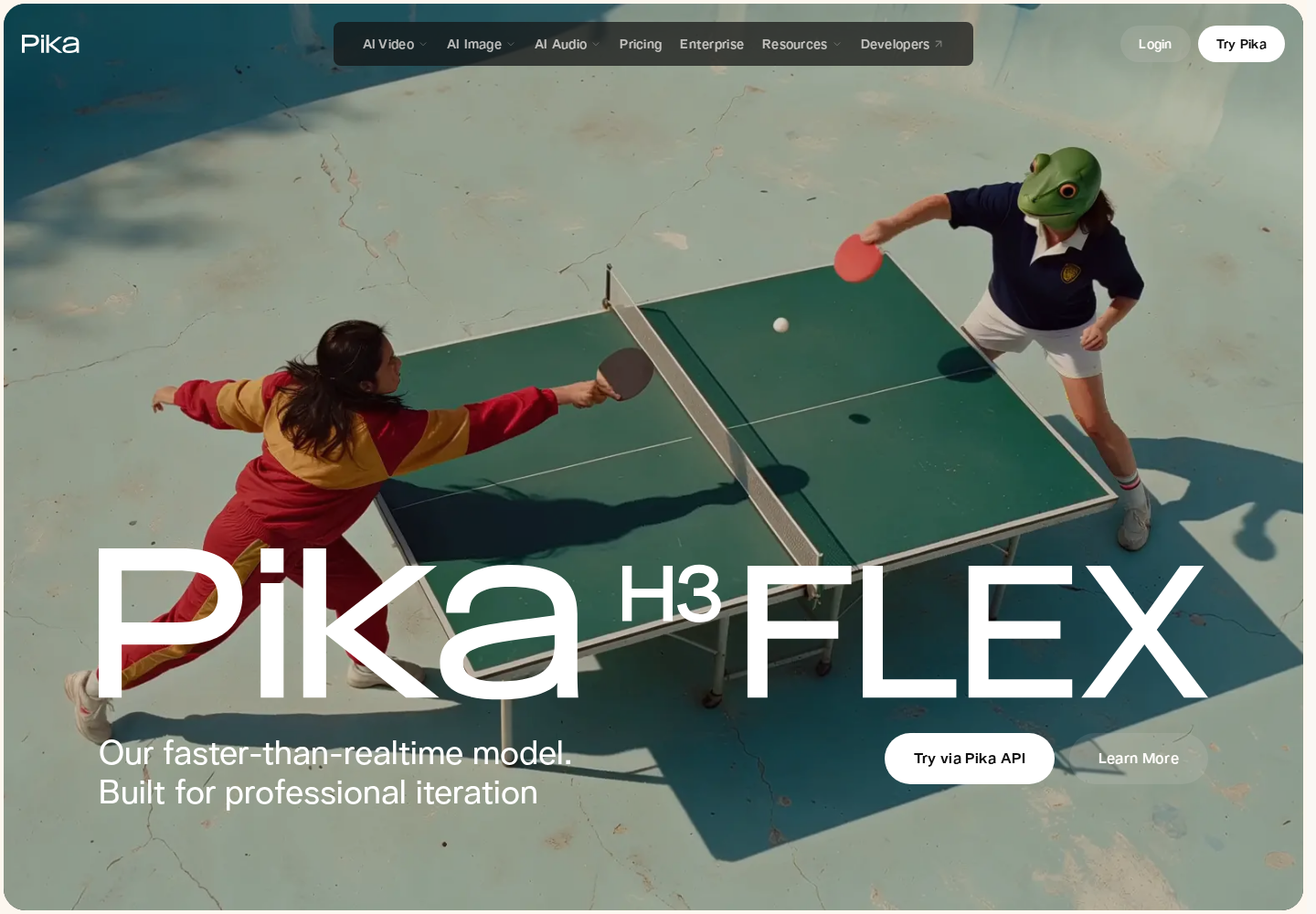
Pika H3 Flex is a video generation model post-trained on MiniMax H3 for creators and teams developing short visual sequences. It accepts text prompts, first or last frames, and combinations of image, video, and audio references. Reference-guided editing lets creators direct changes to existing footage.
Hosted access is available through Pika API Club, while downloadable generator adapters and inference code support local workflows. The hosted service adds high-resolution finishing and separate audio stems. Availability in the Pika creation product is announced for November 2, 2026.
Create from text, condition a clip on first or last images, combine media references, or use prompts and references to guide video edits.
Generate native 480p or 768p video with synchronized stereo audio. Requests support 5–15 seconds, with output duration rounded to the model's frame grid.
Upscale clips to 1080p, 2K, or 4K. Optional Dialogue, Score, SFX, Foley, and Ambience stems let editors adjust soundtrack components separately.
Generator adapters and inference code support text, endpoint-frame, and multimodal reference generation with audio. Local performance depends on hardware and setup.
Creative teams can compare short product-video directions before selecting a concept for further editing.
Video creators can develop short sequences from prompts and reference imagery, then refine the chosen soundtrack.
Developers can connect asynchronous video generation to an existing creative application.
Hosted generation is billed per output second, with charges only for successful runs. Rates vary by endpoint and resolution; reference-video workflows also charge for input-video seconds. A temporary promotion gives Pika API Club members 15 free H3 Flex generations daily from October 29 through November 5, 2026. See the official pricing page for current rates and launch offers.
Check current pricing ↗No. Native generation is 480p or 768p; hosted finishing upscales the result to higher resolutions, including 4K.
Yes. The API accepts HTTPS requests with JSON and returns asynchronous jobs that can be polled for output URLs.
The hosted API can return five separate audio stems for mixing dialogue, music, effects, Foley, and ambience.