GitHub Copilot
An AI coding assistant and agent for code suggestions, repository questions, code review and delegated development tasks.
Vercel's hosted MCP server connects AI assistants to documentation, projects, deployments, logs and analytics.
Visit website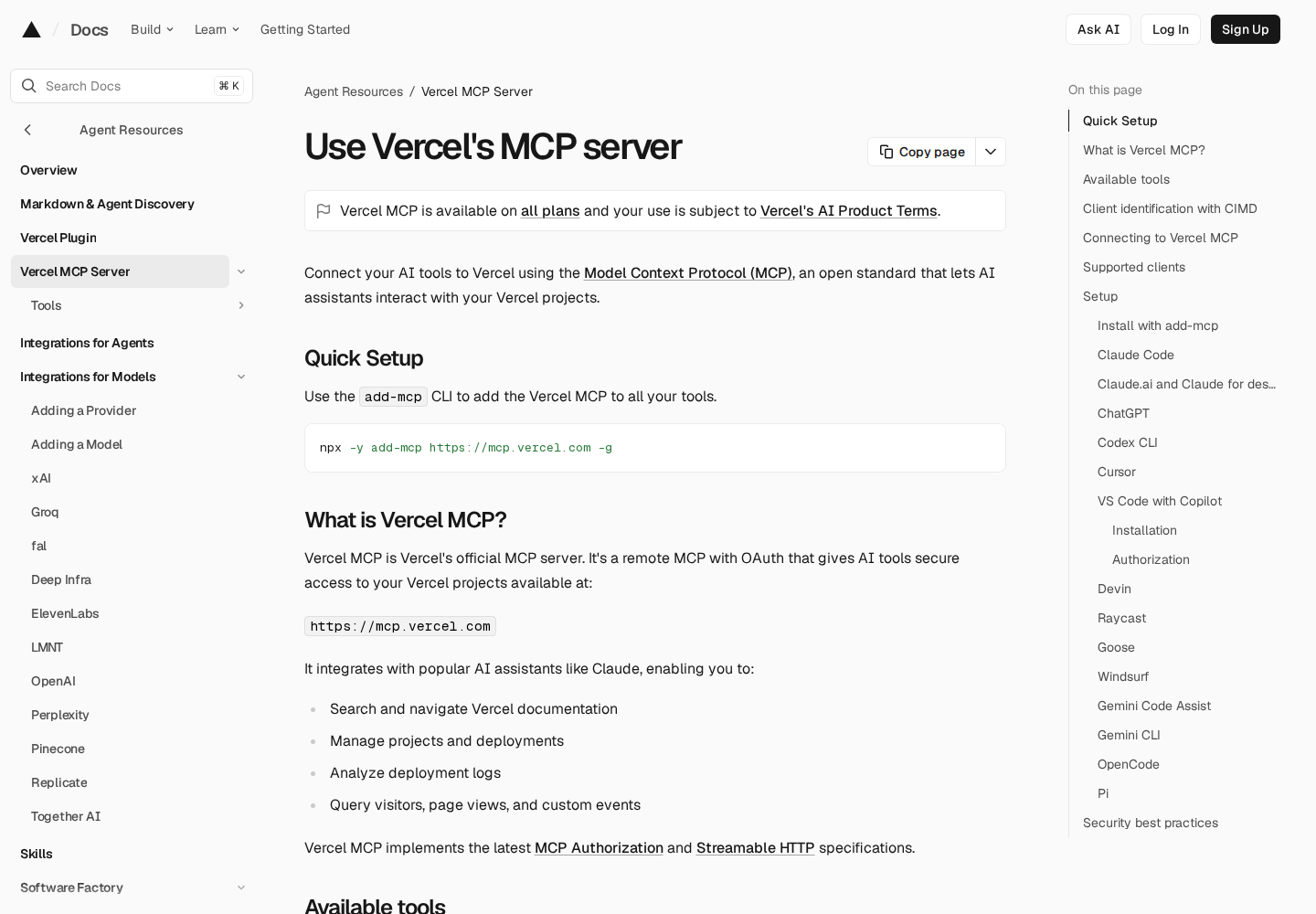
Vercel MCP is Vercel's official remote Model Context Protocol server. It connects an existing AI assistant to Vercel documentation and authorized platform resources through OAuth. Developers and platform teams can use it to investigate deployments and work with projects from their preferred AI client.
Users describe a task, and the connected assistant selects tools and supplies their parameters. Available tools depend on the connection, client support and resource scope.
Search and navigate Vercel documentation through a connected AI assistant.
List teams, projects and deployments, inspect project configuration and check deployment status.
Read filtered runtime logs and investigate grouped runtime errors and affected routes.
Query visitors, page views and custom events through supported connections.
Clients using an HTTPS-hosted Client ID Metadata Document can connect without Vercel review. Users still approve each connection.
Ask an assistant to locate a deployment and inspect its status and runtime errors.
Inspect a project's configuration while discussing a planned change.
Find relevant Vercel guidance during an implementation discussion.
Vercel MCP is available on all Vercel plans. The underlying platform offers free Hobby, paid Pro and custom Enterprise tiers. Infrastructure usage can incur charges, so MCP availability does not make every resource it accesses free.
Check current pricing ↗No. It is a hosted server used through a compatible AI client.
No. You authorize team access, and your existing Vercel permissions still apply.
Vercel MCP is available on all plans, including Hobby. Resource usage remains subject to platform pricing and allowances.