Gemini Nano Banana 2.1
Generate and conversationally edit images with reference images, search grounding and output resolutions up to 4K.
Canva’s image generation model creates design visuals from text prompts in Dream Lab and through a preview API.
Visit website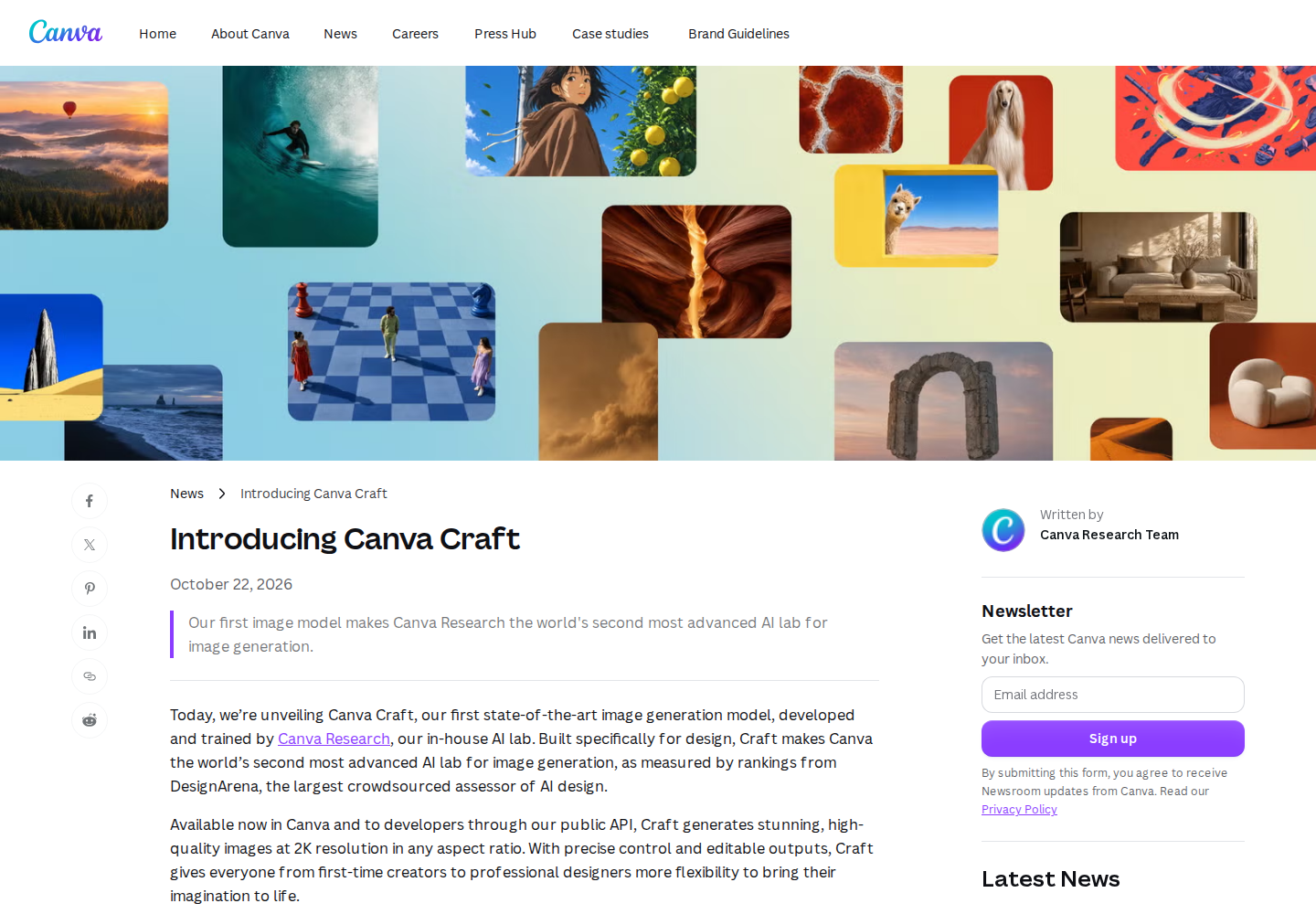
Canva Craft is Canva Research’s image generation foundation model, built for design work. It turns text prompts into visuals such as marketing graphics, presentation imagery, portraits and illustrations, with output resolution up to 2K.
Creators can access Craft through Canva Dream Lab. Developers can request the model through Canva’s preview image generation API, which creates asynchronous jobs and returns downloadable results.
Canva describes a two-stage architecture that plans spatial relationships, hierarchy and typography before rendering the image.
Craft accepts prompts in any language and can render text within images in 55 languages.
Generated images can be transformed into editable design elements using Canva’s separate Magic Layers feature.
Developers can select craft_v1_2k to request Canva’s first-party CRAFT-1 2K model.
Successful API jobs return a download URL. An optional upload setting also saves the image to the user’s Canva account.
A marketer could explore visual directions for a social campaign or promotional poster.
A presentation designer could create illustrations suited to a slide’s subject and layout.
A developer could prototype image generation inside a marketing or design application.
Craft is available through Canva, which offers Free and paid subscriptions with AI usage allowances. API image generation draws from the user’s AI allowance. The subscriptions below cover Canva rather than a standalone Craft service.
Canva subscription with expanded AI usage and design features; taxes excluded.
Canva subscription with team and business features; taxes excluded.
Canva announces global access for Canva users through Dream Lab.
Generation is asynchronous. Retrieve the job status until it reports success or failure, then use the returned result.