Grok Voice 3.0
Build real-time conversational voice applications with streaming speech, configurable sessions, tools, and SIP phone integration.
Generate and edit images with downloadable weights, multiple references, bounding-box controls, and hosted API access.
Visit website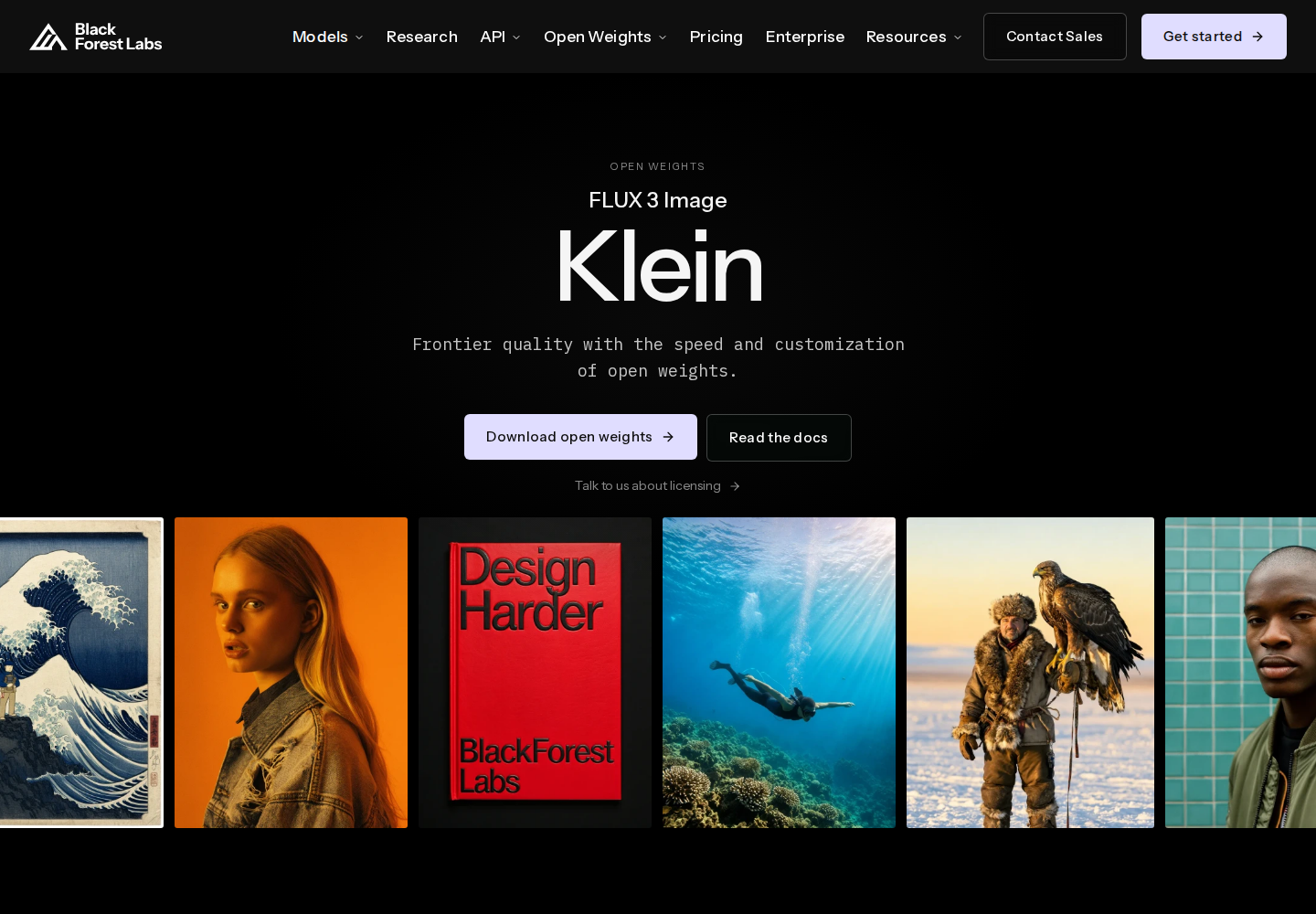
FLUX 3 Image Klein is Black Forest Labs’ downloadable image generation and editing model. It creates images from text, modifies existing pictures, and combines visual references. Designers can explore visual assets, while developers can integrate generation into applications or run the model on their own infrastructure.
Two 5.6-billion-parameter variants serve different workflows: Distilled targets fast inference, while Base supports fine-tuning, LoRA training, and research. The hosted API serves Distilled.
Create images from written descriptions or provide an existing image with instructions describing the desired changes.
Combine multiple visual references in one request to guide a composition using several source images.
Specify element placement or confine edits to selected regions. Boxes use a normalized 0–1000 canvas with coordinates ordered as y_min, x_min, y_max, x_max.
Both Base and Distilled support image output up to 4K resolution.
Run weights through ComfyUI or Diffusers. FP8, INT8, and NVFP4 builds offer deployment choices for compatible hardware.
Develop illustration or campaign concepts using reference images and planned element positions.
Request targeted changes to an existing visual while defining the intended editing area.
Evaluate hosted generation or local deployment for an image creation application.
Explore Base-model fine-tuning or LoRA training for a specialized visual workflow within the license terms.
Weights are available without license fees for permitted non-commercial use and qualifying commercial output generation. Hosted API access is paid per generated image, without subscription or seat fees. Uses outside the free license grant require separate licensing.
Generation and editing cost USD 0.008 at 768 × 768, USD 0.009 at 1K, USD 0.011 at 1.5K, USD 0.014 at 2K, and USD 0.036 at 4K. One credit equals USD 0.01.
Choose Distilled for fast generation and hosted API access. Choose Base for fine-tuning, LoRA training, or research, subject to the license.
Qualifying users can generate commercial outputs under the Kommunity License’s conditions. Its restriction on improving another AI model with similar functionality still applies. Uses outside the grant require separate permission or licensing.
BFL offers a browser Playground. API and Playground usage draw on account credits.