Vercel Connect
Manage runtime credentials and third-party service connections for applications and AI agents across projects and environments.
Google’s developer platform provides models and APIs for multimodal applications, generated media and agents.
Visit website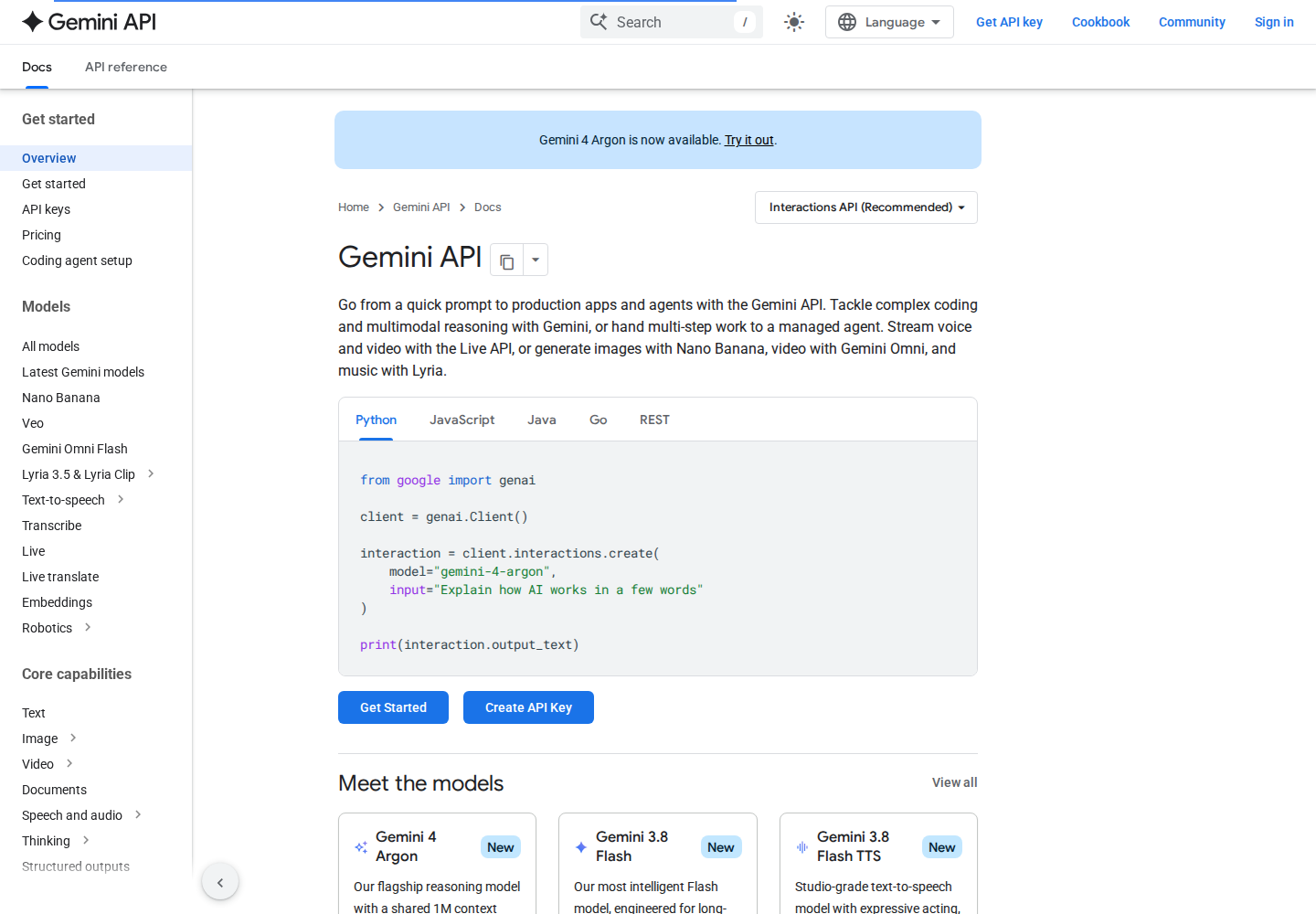
Gemini API is Google’s developer platform for building AI applications and agents. Its portfolio covers coding, multimodal reasoning, live voice and video, and image, video and music generation through different models and APIs.
Developers can use Google AI Studio to test prompts, manage API keys, monitor usage and build prototypes. Google recommends the Interactions API for new projects; generateContent remains supported as a legacy interface.
Build applications around text and other media using a model and interface that support the required input and output types.
The getting-started guide covers structured responses, tools and function calling for connecting model responses to application workflows.
Developers can explore managed agents and background execution for tasks that extend beyond a single immediate response.
The platform includes a Live API for voice and video, alongside separate image, video and music generation offerings.
Paid-tier projects can inspect request logs, configure storage and save logs into datasets for later analysis.
A developer could add structured content extraction or multimodal question answering to an existing application.
A creative tools team could prototype image or other media generation with an appropriate model.
An engineering team could explore a tool-connected agent for a defined multistep task.
The Free tier provides limited model access. Paid production usage offers prepaid and pay-as-you-go billing with higher limits. Prices depend on the selected model and service; free-tier content is used for product improvement, while paid-tier content is not.
Rates apply through November 30, 2026. Output billing includes thinking tokens. From December 1, 2026, the listed rates become USD 4 per million input tokens and USD 20 per million output tokens. Argon has no Free tier.
Google recommends the Interactions API. Existing generateContent integrations remain supported, with migration guidance available.
Yes. Interactions stores requests by default; Generate Content does so for projects created on or after October 26, 2026, while older projects retain their setting. Project controls manage each API independently, and a per-request store setting overrides them. Generate Content request-level controls require a supported SDK version; consult the official Logs and datasets guide for version requirements. Disabling Interactions storage prevents automatic conversation-history storage and retrieval unless overridden per request.
Logs expire after 55 days by default, with configurable retention. Logs saved into datasets do not expire and can be exported as CSV, JSONL or Google Sheets.