Vercel Connect
Manage runtime credentials and third-party service connections for applications and AI agents across projects and environments.
Run open AI models locally or in the cloud, and add model inference or speech generation to applications.
Visit website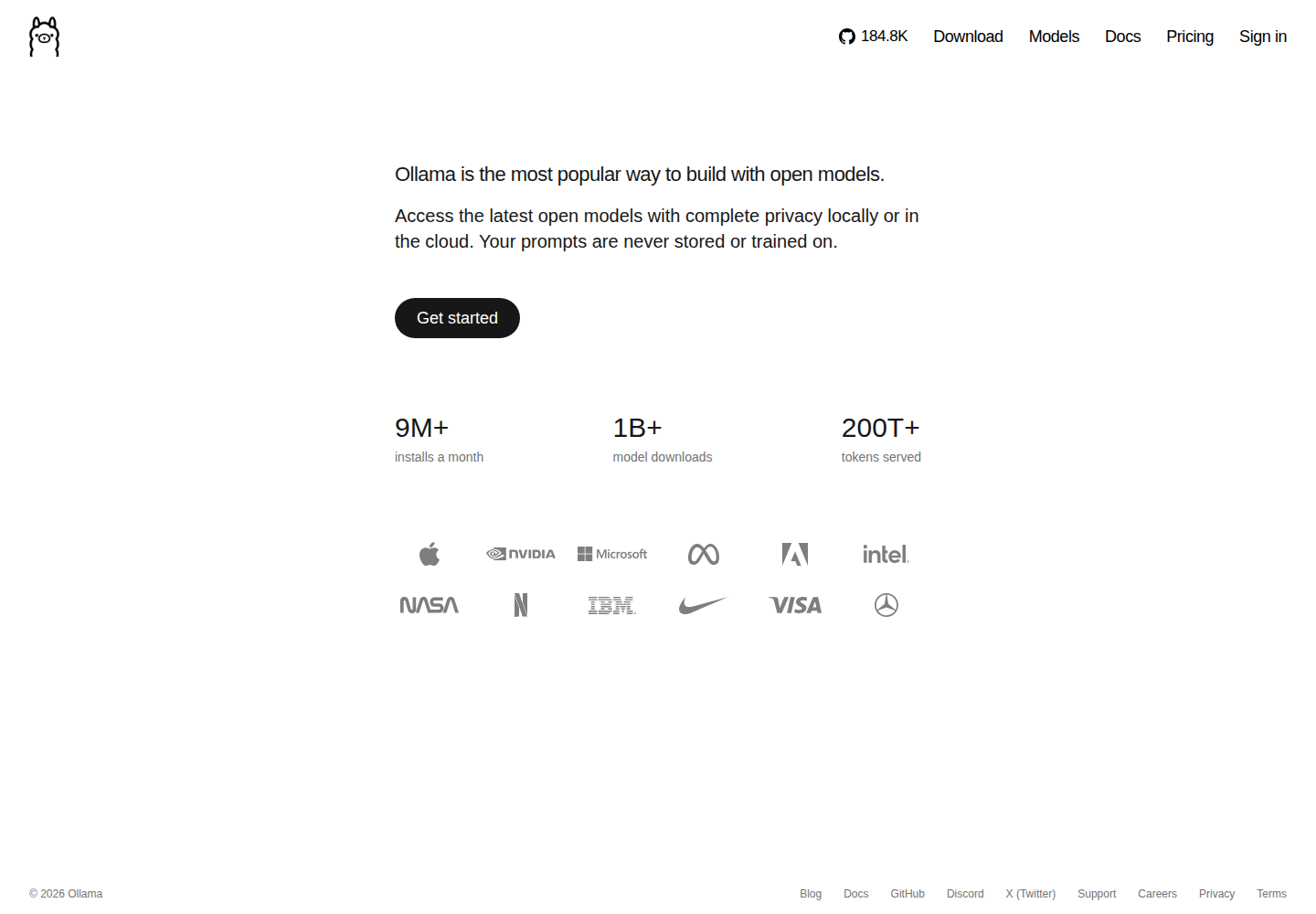
Ollama runs open AI models on your computer or through its cloud service. Start in the app or terminal, choose a local model, or sign in to access cloud models. It serves developers building AI applications and people who want to run models on their own hardware.
Local execution uses your computer's resources, while cloud models run on Ollama's servers without a local model download. Ollama also supports text-to-speech through Phonon, including streamed playback and audio files. These speech packages require Apple Silicon, despite Ollama's broader operating-system availability.
Choose models that run on your hardware or use cloud models without downloading their model files.
Follow setup prompts through the app or terminal. The quickstart also covers connecting desktop applications and coding agents.
Generate speech from supplied text with Phonon. Play audio as it is produced or redirect terminal output into a WAV file.
Use the OpenAI-compatible /v1/audio/speech endpoint for application integration. Output supports WAV and raw PCM at 24 kHz mono with 16-bit samples.
Local model loading and parallel processing use available memory. Requests can queue when there is insufficient memory to load another model.
A developer can try suitable local models before choosing one for an application prototype.
An application developer can use Phonon to read assistant responses aloud on a supported Mac.
A content creator can turn prepared text into an audio file after checking the selected checkpoint's license.
Free includes local model execution and starter cloud usage credits. Purchased credits and Pro and Max subscriptions provide additional cloud access. See the official pricing page for current subscriptions and model charges.
Check current pricing ↗No. You can run models locally. Cloud models are a separate option that runs inference on Ollama's servers.
The default checkpoint is English. Listed 40M packages include English, French, German, Spanish and Portuguese, plus a multilingual variant.
Yes. Redirect terminal speech output to create a WAV file, or request WAV or raw PCM through the speech API.