MiniMax M3.1 Flash
A multimodal model with downloadable weights for coding, visual understanding and long-context agent workflows.
A faster Kimi reasoning variant for coding sessions that prioritize responsive model output.
Visit website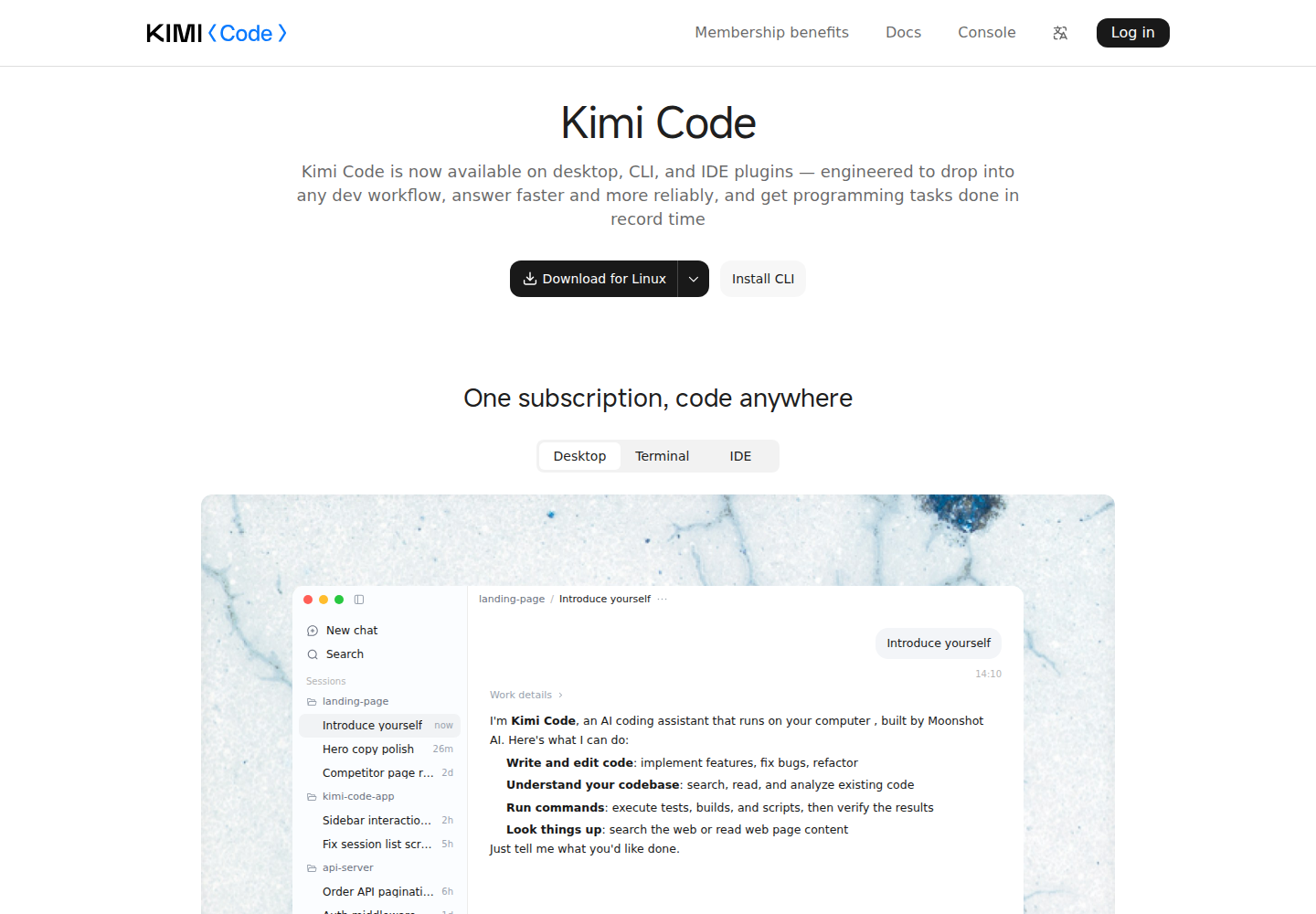
Kimi K3.1 Pro Highspeed is the faster inference variant of Kimi K3.1 Pro. Kimi describes the same model capabilities with approximately two to three times faster output, at about twice the regular variant's quota consumption. It targets developers who value shorter waits during model responses.
Within Kimi Code, developers can use it through Desktop, CLI, VS Code and third-party development integrations. The surrounding service supplies code reading, file editing and command execution. Desktop offers a local project workflow with change inspection, file previews and a terminal.
Kimi reports approximately two to three times regular Pro output speed; actual task duration depends on the workflow.
Supports image and video input and up to 1,048,576 tokens of context.
Provides low, high and max effort settings while keeping thinking enabled.
Kimi Code connects the model to tools for reading code, modifying files and executing commands.
Desktop lets developers inspect modifications in its Changes view and examine files and terminal output.
An application developer iterates on a feature through short implementation and review cycles.
A maintainer supplies project context and asks for an explanation of dependencies before planning a change.
A frontend developer combines visual evidence with a bug description to guide an investigation.
Highspeed is available through eligible Kimi Code memberships and uses approximately twice regular Pro's quota. The separate Kimi API has usage-based billing. Check the official plan page for current subscription prices.
Check current pricing ↗Kimi describes it as having the same capabilities as regular K3.1 Pro, with faster output and higher quota consumption.
Kimi Code integrations use k3.1-pro-highspeed. The separate developer API uses kimi-k3.1-pro-highspeed.
Kimi Code Desktop includes change review, file previews and a terminal for checking work on the project.