MiniMax M3.1 Flash
A multimodal model with downloadable weights for coding, visual understanding and long-context agent workflows.
A multimodal reasoning model for coding, repository analysis and long-context development workflows.
Visit website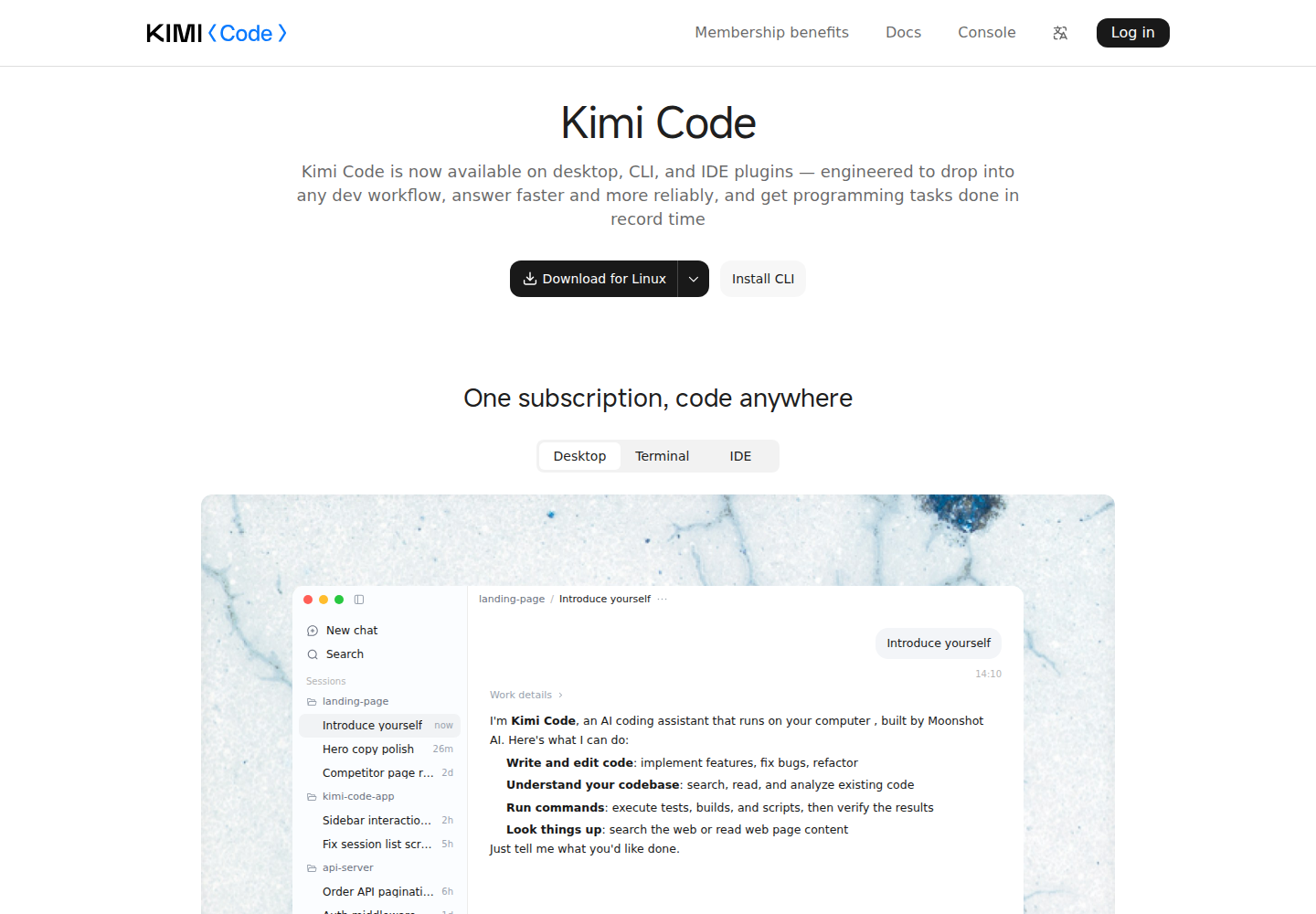
Kimi K3.1 Pro is a multimodal reasoning model available within Kimi Code and through the separate Kimi API platform. It supports image and video input, with up to 1,048,576 tokens of context on eligible Kimi Code memberships. It serves developers working with substantial project context and tasks that require sustained reasoning.
Kimi Code supplies the working environment around the model: code reading, file editing and command execution through Desktop, CLI and a VS Code extension. Developers can also connect it to third-party development tools. These clients provide the project access and execution tools used during coding sessions.
Eligible Kimi Code memberships unlock a context window of up to 1,048,576 tokens.
Accepts images and video as additional task context.
Offers low, high and max thinking effort settings.
Through Kimi Code, the model can use file-editing and command-execution tools for implementation and checking results.
Kimi Code Desktop includes a Changes view, file previews and a terminal for inspecting work performed on a local project.
A developer asks for a map of an unfamiliar project's modules before choosing where to implement a change.
A maintainer requests a coordinated refactor, then reviews the proposed edits and test results.
An application developer supplies visual references alongside requirements when planning interface changes.
Kimi Code provides this model through eligible paid memberships, with context permissions determined by tier. The separate Kimi API uses pay-as-you-go inference billing without a subscription. Visit the official plan page for current membership prices.
Check current pricing ↗It is a model. Kimi Code provides the Desktop, CLI and editor interfaces used to work with it.
Kimi Code integrations use k3.1-pro. The separate developer API uses kimi-k3.1-pro.
The separate Kimi API platform has its own pay-as-you-go billing, distinct from Kimi memberships and Kimi Code.