NVIDIA Nemotron 3.5 Super VL
NVIDIA’s open-weight vision-language model supports coding, visual reasoning, document understanding and agents that use tools.
A downloadable vision-language model for local agents, combining quantized weights, configurable reasoning, and tool calling.
Visit website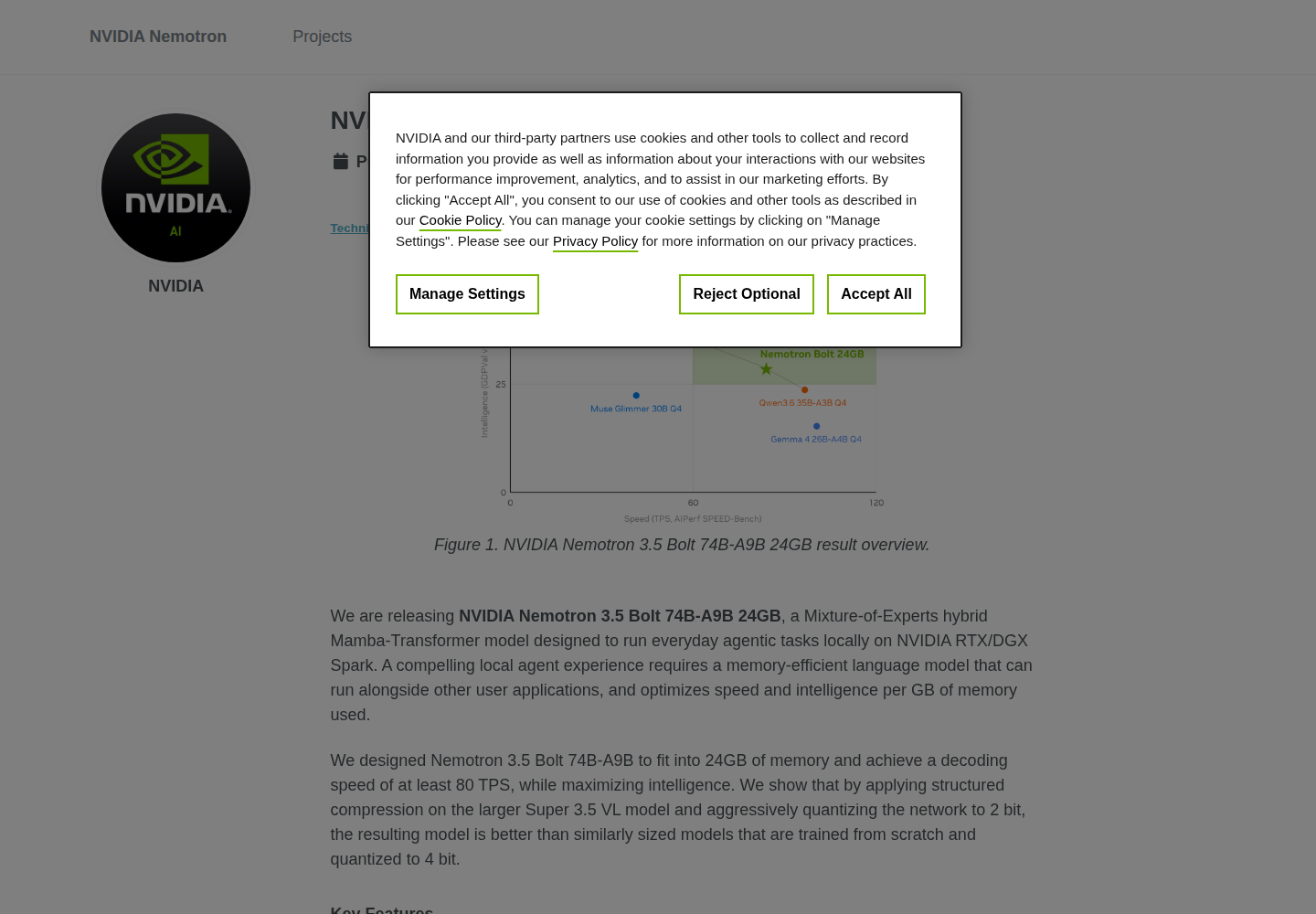
NVIDIA Nemotron 3.5 Bolt 74B-A9B 24GB is a downloadable model designed for local agent applications on compatible NVIDIA systems. It uses a hybrid Mamba-Transformer mixture-of-experts architecture with 74 billion total parameters and nine billion active parameters.
Bolt accepts text, images, and video and returns text, including JSON and tool calls. It targets developers integrating a model into coding, research, and other tool-driven applications, with deployment settings selected for their hardware.
Bolt is compressed from Nemotron 3.5 Super VL, with expert weights quantized to approximately two bits to reduce its memory footprint. Other components use different precisions.
The model processes text, JPEG or PNG images, and supported MP4 videos. Visual inference requires the corresponding components and runtime configuration.
Chat-template settings enable or disable reasoning, allowing applications to select the mode for each interaction.
Up to 256K context tokens accommodate prompts, visual inputs, conversation history, tool results, and generated responses within one shared window.
NVIDIA releases a BF16 customization checkpoint alongside quantized and GGUF weights. Companion LiLiCorr drafters support speculative decoding in the documented deployments.
Evaluate Bolt as the model behind an agent harness for code changes and debugging.
Connect selected search and retrieval tools and assess multi-step research tasks.
Prototype image-based questions alongside text conversations in a local application.
The downloadable model permits commercial and noncommercial use under OpenMDW 1.1 without a license charge. Hardware and hosting are separate deployment costs.
Check current pricing ↗The model-specific llama.cpp integration lists Windows and Linux with NVIDIA Ada Lovelace or Blackwell hardware.
No. The GGUF guide pairs 65,536 tokens with its 28GB recipe and 262,144 tokens with its 32GB recipe. Both serve one concurrent sequence.
NVIDIA provides the unquantized BF16 checkpoint for further customization, separately from the main quantized inference checkpoint.