GitHub Copilot
AI coding assistance and agents for understanding repositories, writing software and reviewing changes across development workflows.
Adds Parallel Decisions Fast for web-grounded classification and scoring with probabilities and cited evidence, free through November 23, 2026.
Visit website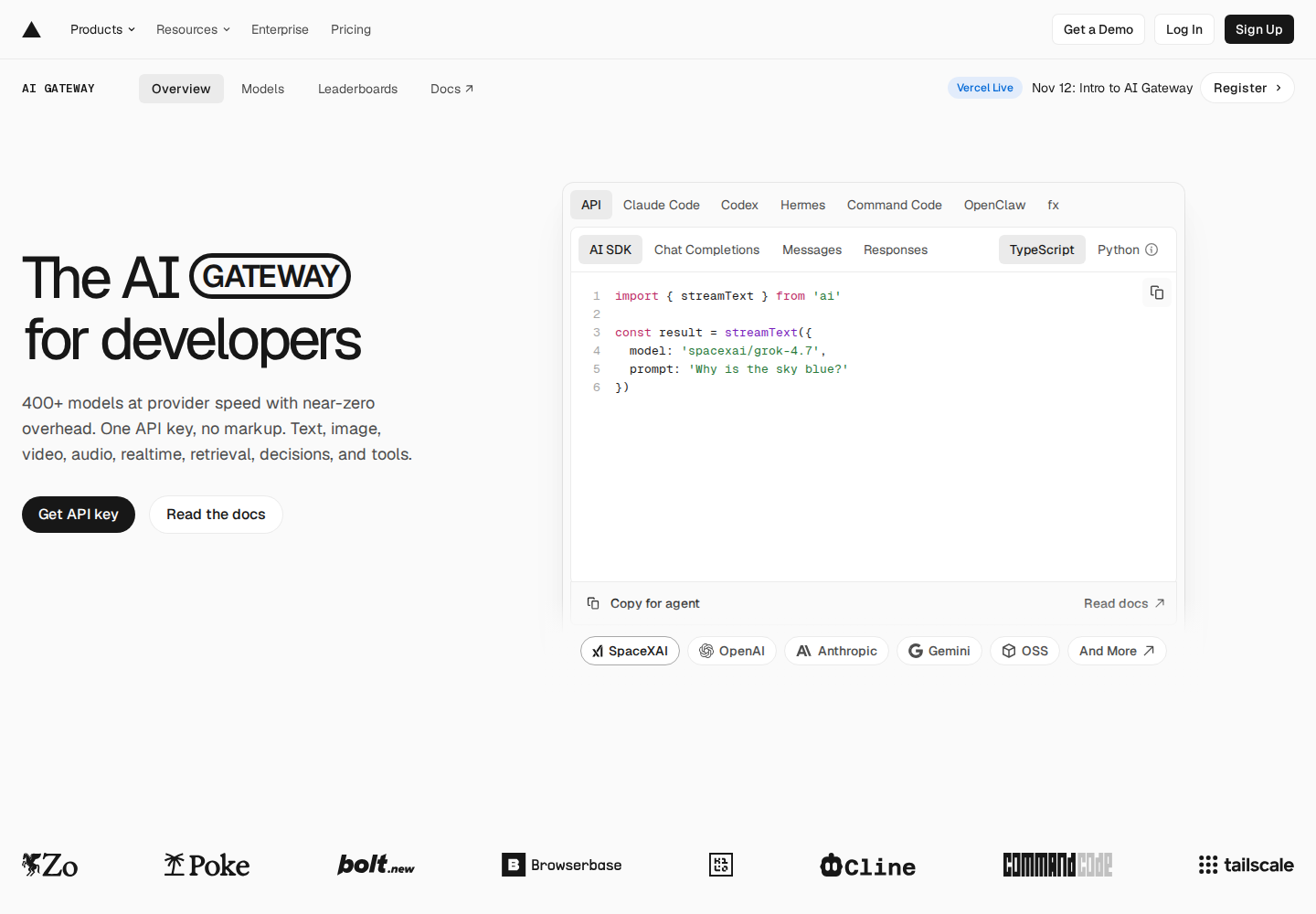
Vercel AI Gateway gives developers unified access to AI models through one API key. It provides infrastructure for applications and supported coding agents.
Applications can run locally, on external servers or in cloud environments. Supported interfaces include AI SDK, OpenAI Chat Completions, OpenAI Responses and Anthropic Messages.
Set provider preferences and fallback models for inference requests.
Inspect provider attempts, status, latency, token usage and cost in logs.
Configure team, project, API-key or member budgets. Enforcement uses soft caps, so spending can exceed a configured threshold before further requests are blocked.
Vercel CLI previews configuration changes and connects selected supported coding agents.
The meta/muse-ember model supports repeated agent subtasks, text, image and video input, tool calling, a one-million-token context window and adjustable reasoning effort. These capabilities are model-specific.
Connect an application to several model options through a shared integration.
Review routing attempts, consumption and costs across application requests.
Evaluate Muse Ember for repeated coding subtasks or document analysis within a larger workflow.
Eligible teams can start with free credits. Paid access uses purchased credits, with token rates matching provider list prices and zero markup. Optional add-ons can incur additional charges, and BYOK fallback requests can consume Gateway credits.
Check current pricing ↗No. External servers, clouds and local environments can authenticate with an API key. Vercel deployments can alternatively use OIDC.
You need a Vercel account, a team-scoped API key and a valid payment method. Free credits apply only to eligible models.
Yes, if the agent is supported. Vercel CLI lets you select agents and preview configuration changes before connecting them.