Hume Audio Decisions API
An audio analysis API that answers custom questions about recordings with structured probabilities and event time spans.
Transcribe recorded audio into speaker-labeled text with timestamps, terminology prompts and language and number-formatting controls.
Visit website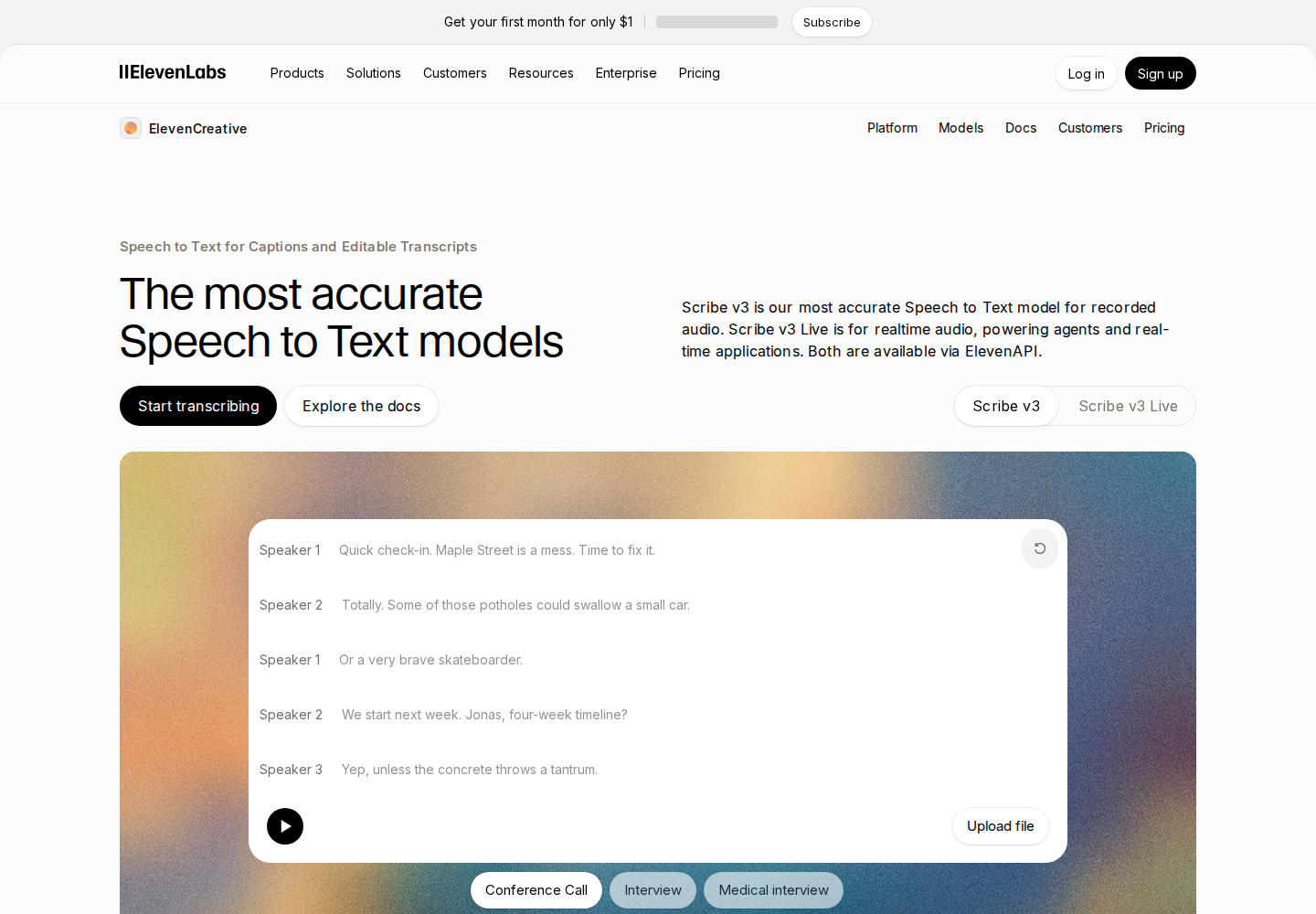
ElevenLabs Scribe v3 converts recorded speech into text through the website and API, with availability for data-residency workspaces requiring confirmation. It serves creators processing interviews and podcasts, teams working with meeting recordings, and developers adding transcription to applications. Scribe v3 Live is the separate model for real-time audio.
The website accepts audio or video files and provides manual transcript editing and export options. API users can select how numbers appear and supply secondary language hints for recordings that contain more than one language.
Diarization separates up to 32 speakers, while word-level timestamps connect transcript text to the recording.
Supply up to 1,000 batch keyterms, each up to 50 characters, to guide recognition of names, acronyms and specialist vocabulary.
Support covers more than 90 languages. API controls let you provide secondary languages and request numbers as digits or words.
Optionally label non-speech events such as laughter and applause when creating a website transcript.
Play audio from a selected transcript word, manually correct the transcript, rename speakers and export the results.
Create a speaker-labeled draft of an episode for editorial review.
Turn a meeting recording into text that participants can review and reference.
Integrate recorded-file transcription into an application using the API.
Limited free transcription is available alongside paid plans. API payment options include subscriptions and pay-as-you-go, with recorded-audio transcription metered by audio hour. Keyterm prompting and automated API transcript editing carry additional charges. Included usage and concurrency depend on the plan; prices exclude taxes, levies and duties.
Check current pricing ↗Yes. The website accepts both audio and video files for transcription, subject to its 3 GB upload limit.
Yes. Number controls select digits or words. Separately, experimental automated editing through transcript_edit accepts natural-language instructions for date or unit formatting, carries an additional charge and is unavailable in data-residency environments.
Use scribe_v3 in the API. It is the website's default Speech to Text model outside the residency exception described by the help center. Confirm availability with ElevenLabs if your workspace requires data residency.
Choose this model for live audio applications requiring conversational turn prediction.