MAI-Code-1.1-Flash
Microsoft's coding model supports agentic development in GitHub Copilot and downloadable local inference on high-memory hardware.
Inception's diffusion language model provides long-context text generation, adjustable reasoning, tool calling and structured outputs through an API.
Visit website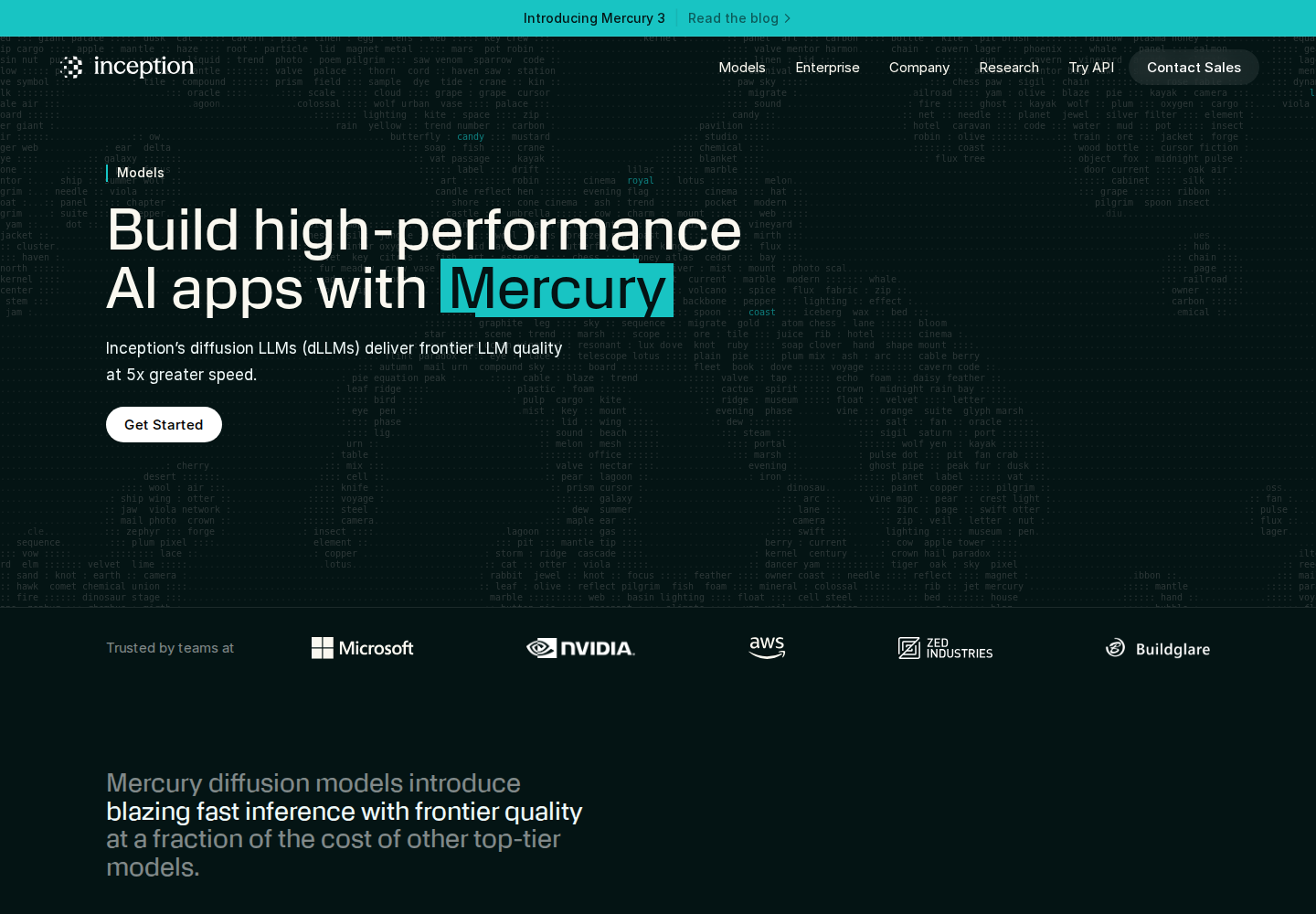
Mercury 3 is Inception's flagship diffusion-based language model for text applications. It targets conversational products and agent workflows, including interactive education, search assistants and customer support.
Developers access Mercury through an OpenAI-compatible API. Its million-token chat context accommodates extensive input, while configurable reasoning lets applications choose how much deliberation happens before an answer.
Mercury 3 supports a one-million-token chat context and a separate maximum output allowance of 131,072 tokens.
Choose instant, low, medium or high reasoning effort. The default is low; higher settings allow deeper deliberation with greater latency.
The chat-completions endpoint supports tool calls for applications that connect model responses to external functions.
Request structured responses for application workflows that need predictable output formats.
The OpenAI-compatible interface supports existing API integration patterns. The quickstart provides Python, TypeScript and curl examples.
Create conversational explanations and follow-up questions around supplied learning material.
Combine support instructions with tool calls for account-specific workflows.
Evaluate long documents or project context within a conversational application.
New accounts receive an introductory allocation of 100 million tokens without payment details. Continued API use is usage-based; enterprise arrangements are available through sales.
Check current pricing ↗No. The chat context is one million tokens, while the maximum output is 131,072 tokens.
Low is Mercury 3's default. Instant favors minimal latency, while medium and high provide progressively more deliberation.
Yes. The introductory token allocation is available without payment details after account and API-key setup.