GPT-Image-2.6 Sunburst
Create detailed images and reference-based edits through an API with independent planning controls and vector output.
Generate and edit images through OpenAI’s API with controls for visual complexity, guided edits and vector graphics.
Visit website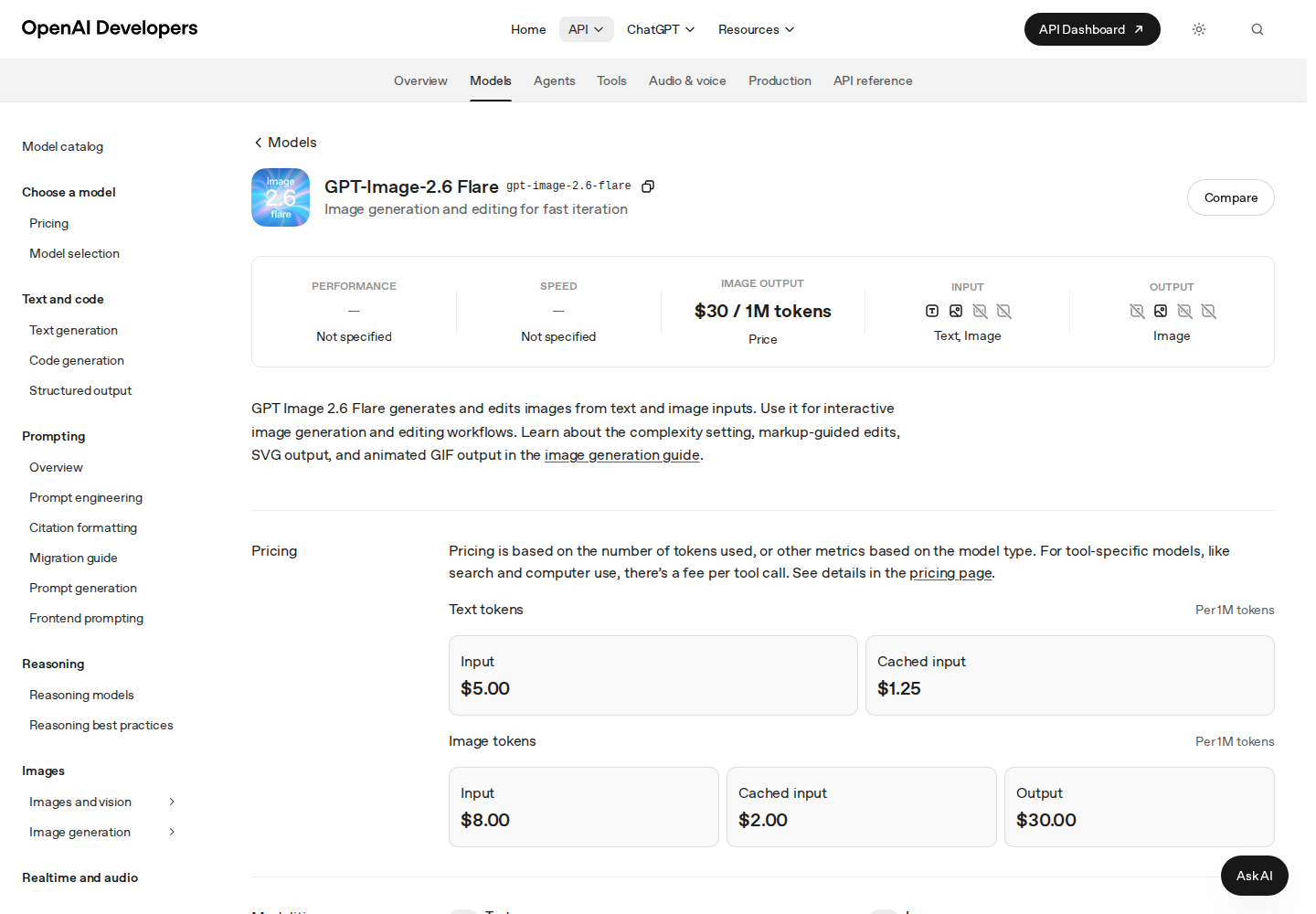
GPT-Image-2.6 Flare is an OpenAI API model that creates and edits images from text and image inputs. It serves developers building visual tools where users generate a concept and then request changes to an existing image.
OpenAI positions Flare as the smaller option for workflows that prioritize response time. Developers can adjust planning complexity independently of rendering quality and choose output settings for their application.
Generate images from descriptions or supply existing images for editing.
Choose low, medium or high planning complexity independently of rendering quality.
Guide changes with a transparent PNG overlay matching the first input image’s dimensions.
Generate static SVG graphics for vector asset workflows.
With access to the model’s GIF preview, create short animations with configurable frame count and timing.
Compare visual directions before choosing a concept for further development.
Explore proposed changes to product imagery and review the results before use.
Offer users image generation and editing inside a creative application.
Usage-based API pricing charges for text and image tokens. Consult OpenAI’s pricing page for current rates.
Check current pricing ↗Yes. Transparent raster output supports PNG and WebP.
Complexity controls computation spent planning the image. Rendering quality is a separate setting.
OpenAI positions Sunburst for workflows where demanding detail, layout or edit accuracy takes priority.