GPT-Image-2.6 Flare
Generate and edit images through OpenAI’s API with controls for visual complexity, guided edits and vector graphics.
Create detailed images and reference-based edits through an API with independent planning controls and vector output.
Visit website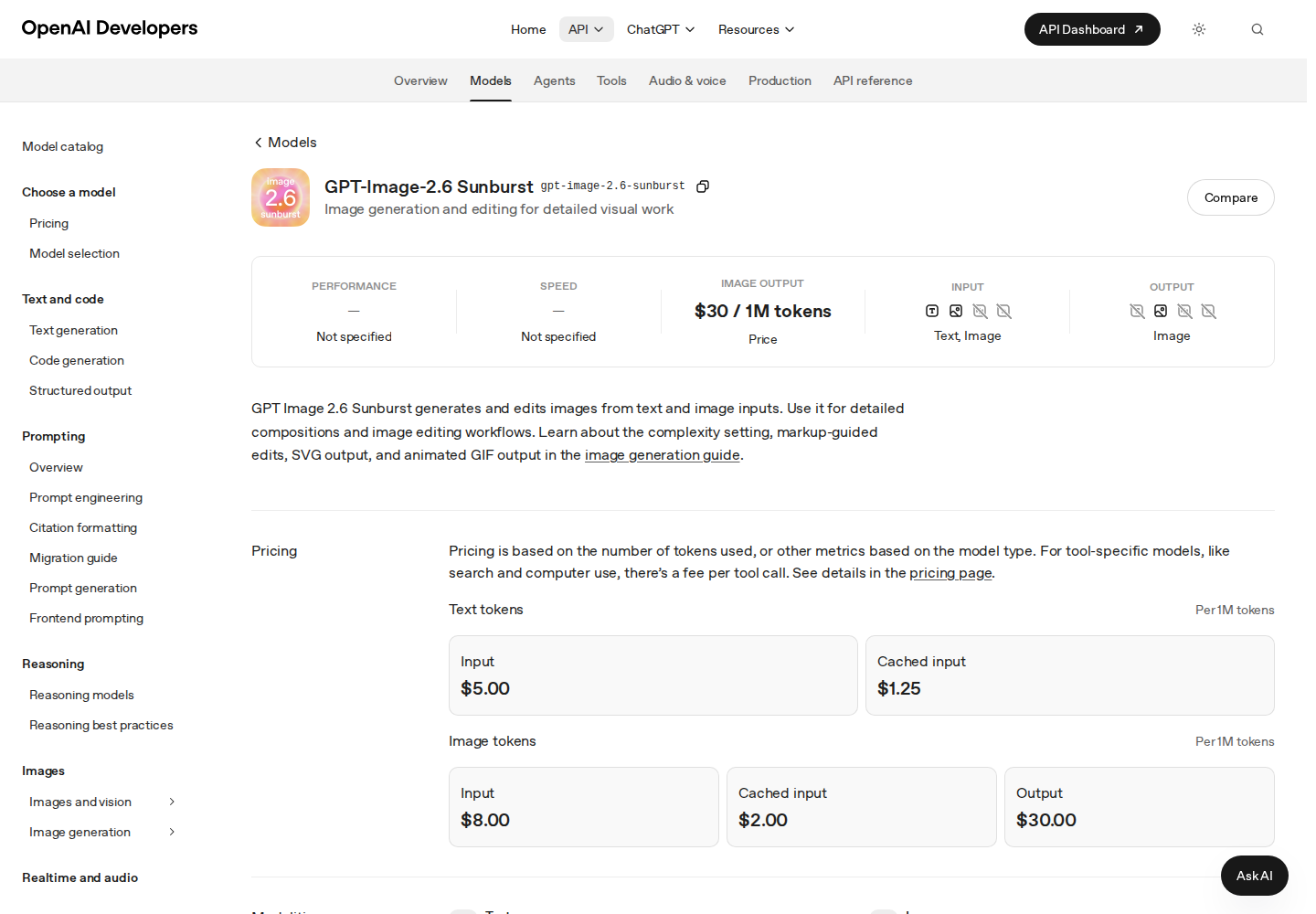
GPT-Image-2.6 Sunburst is OpenAI’s image generation and editing model for demanding visual work. OpenAI positions it for tasks where detail, layout and edit accuracy matter. Developers access it through the Image API using the identifier gpt-image-2.6-sunburst.
The model supports creation from descriptions and editing with reference images. Output options include raster images and static vector graphics, with short animated GIFs available through a model-specific preview.
Submit images with instructions describing the changes and details to preserve.
Set planning complexity to low, medium or high separately from rendering quality.
Use a dimension-matched transparent PNG overlay to guide an edit.
Produce static vector graphics for illustration and asset workflows.
With access to the model’s GIF preview, request animations with configurable frame count and frame duration.
Develop visual concepts with several elements and review their arrangement.
Explore targeted changes while checking which original details remain intact.
Build a workflow for generating illustrations that users can refine afterward.
Paid API usage is metered through text and image tokens. Current rates are available on OpenAI’s pricing page.
Check current pricing ↗Yes. Transparent raster images use PNG or WebP.
It controls computation spent planning the image, independently of rendering quality.
OpenAI positions Flare for workflows that prioritize response time.